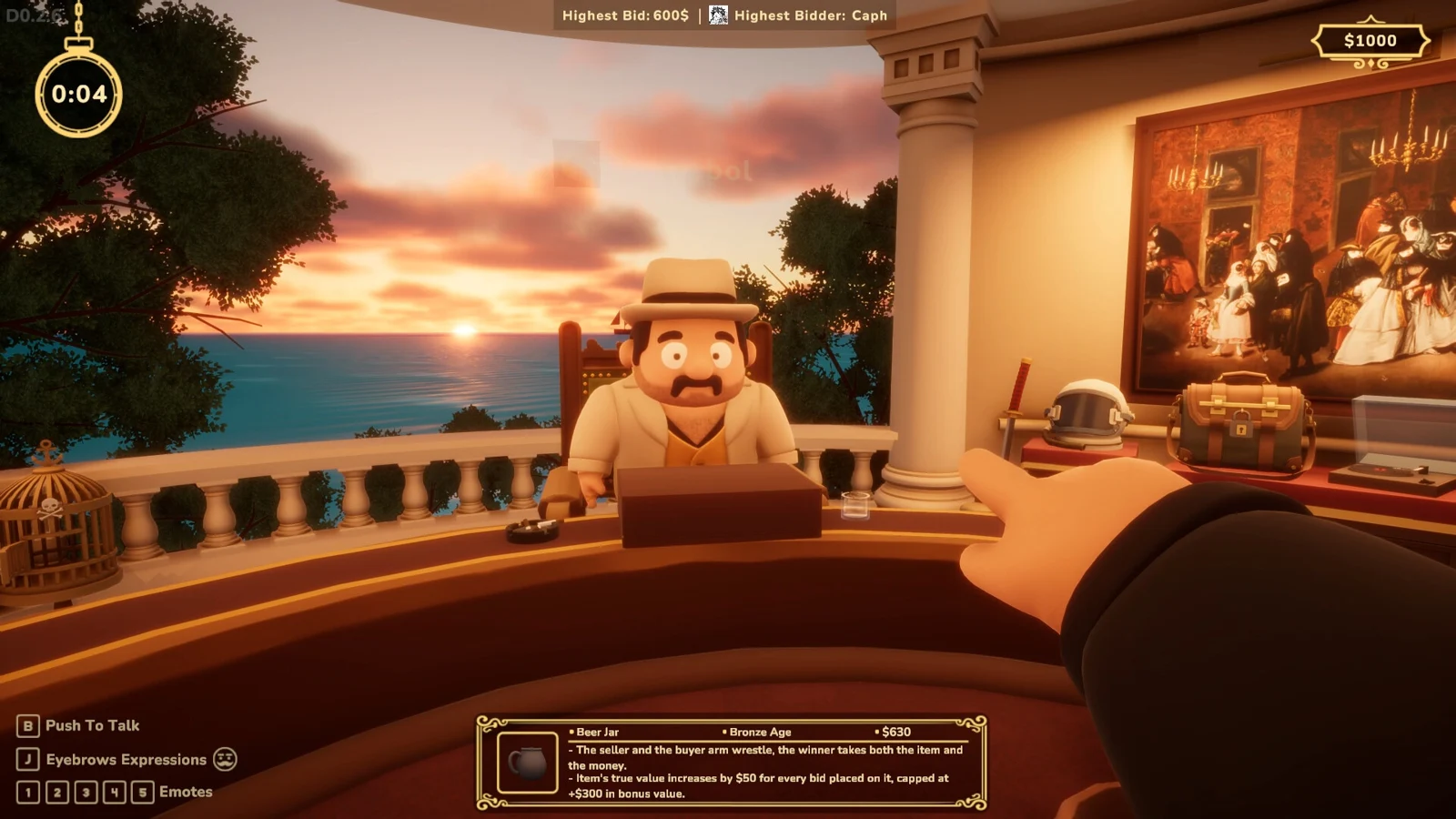
Connection trouble
The public demo closed on September 28, 2026, at 23:00 UTC. First distinguish availability from a network failure. For a repeatable demo crash or disconnect, the developer requested Player.log and Player-prev.log after exiting the game; share them privately.
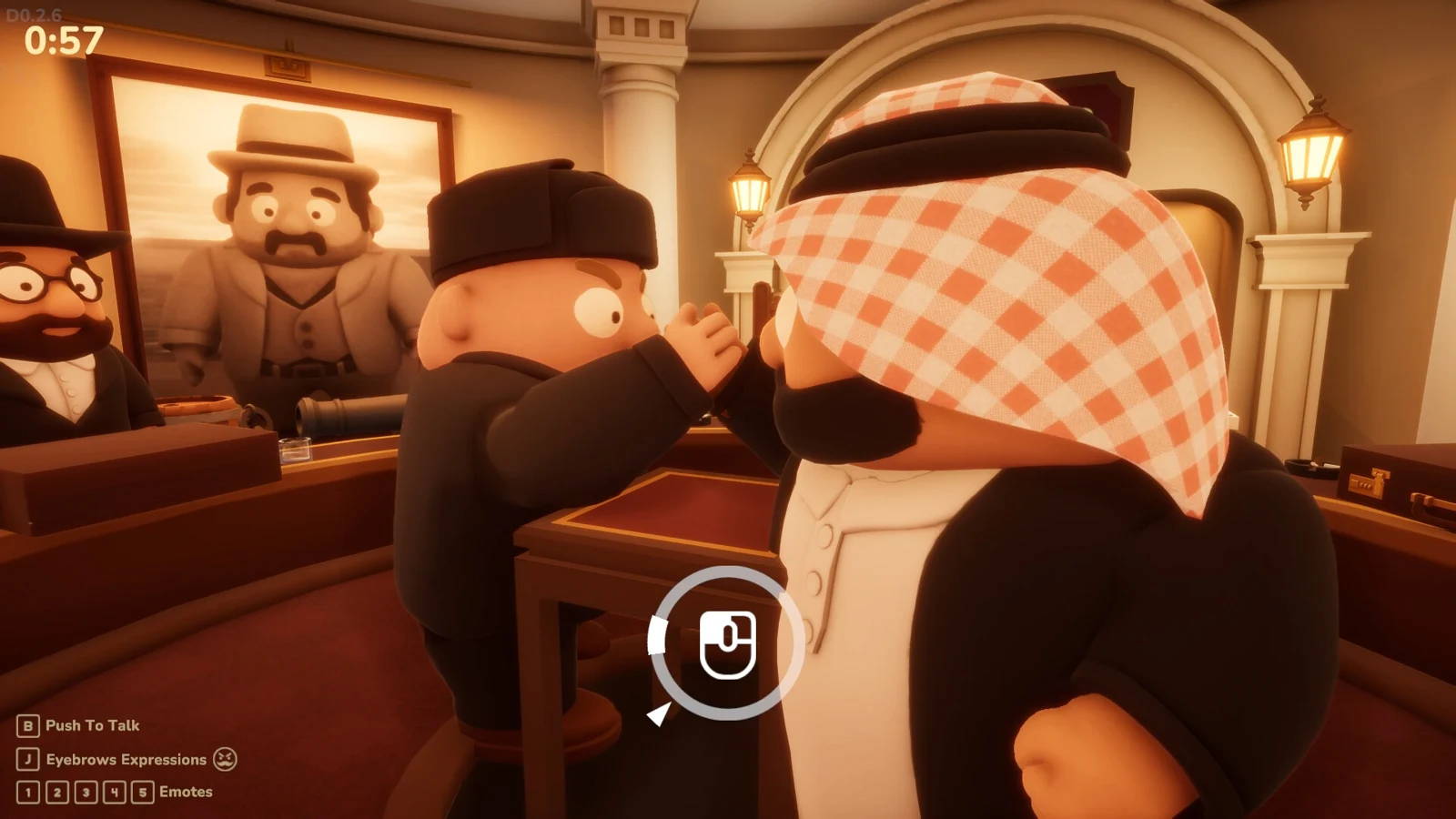
Start by identifying what failed: getting into an available game, staying connected to a match, or keeping the application running. Those failures can look similar to the player who suddenly returns to a menu, but they need different details in a support report.
First check whether the demo is open
The public demo closed on September 28, 2026 at 23:00 UTC. Early Access is scheduled for October 13 at 12:00 UTC. If you are trying the demo between those dates, a visible Steam listing is not evidence that a playable session is available.
Check the current release and demo status and the developer’s announcements before changing network settings. Reinstalling a closed demo cannot reopen its service. Likewise, an old “demo out now” announcement refers to its publication date, not a permanent promise of access.
Record the exact failure
| What you see | What to capture |
|---|---|
| Cannot enter a session | Application/build, attempted time, message, whether others could enter |
| Disconnect during an auction | The reason panel, auction stage and last action |
| Whole application closes | Approximate time, what happened immediately before it, game logs |
| Returned to the main menu | Exact message and whether the process remained running |
| Round stops progressing | Who left, what phase stopped and whether all remaining players saw it |
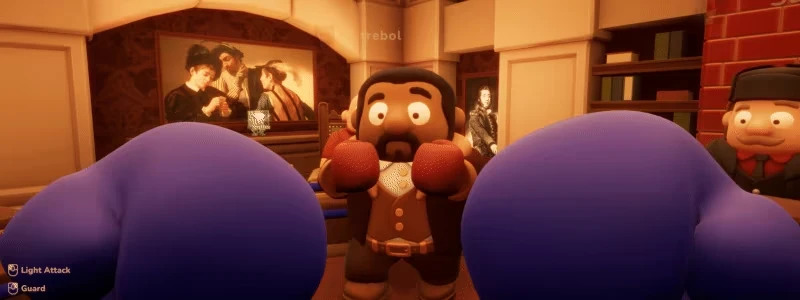
| Boxing feels delayed | Which players saw the delay and whether other actions were also delayed |
The demo v0.1.6 update added a panel showing a player’s disconnect reason. If that panel appears in your build, copy its wording rather than reporting only “multiplayer broken.” A reason message is a useful observation, not proof of the underlying cause on its own.
Try a controlled comparison
Before trying again, make sure every participant is opening the intended game build. Have players restart the application normally and check Steam for an available update. If you can reproduce the failure, repeat one small step at a time rather than changing several settings together.
For example, compare whether the problem appears immediately on joining or only after a particular action. Note whether only one player disconnects or everyone sees the same interruption. A different lobby or a different session can help narrow the pattern, but does not guarantee a fix. Avoid treating one successful retry as proof that the issue has been permanently resolved.
Do not disable security software, open broad router ports or install an unofficial “online fix” simply because another game used those steps. The official announcements reviewed here do not specify a required port-forwarding recipe. If a specific error points to a network restriction, use the developer’s current instructions for that error.
What the demo patches actually changed
The developer’s v0.1.1 announcement reported a fix for the game-loop freeze. v0.1.2 addressed cases where buyers could not bid. v0.1.3 addressed random crashes or returns to the menu.
The later v0.1.6 announcement still acknowledged possible random disconnections and connection-dependent boxing latency. It changed boxing hit detection to follow the hands’ animation and fixed cases where players were thrown out of the ring or became stuck. These are historical demo changes. They do not prove that a particular current symptom persists, or that Early Access has already fixed every case.
Find the official demo logs
In We Need Your Help, the developer requested Player.log and Player-prev.log after exiting the demo. The published folder is under your Windows user profile:
%USERPROFILE%\AppData\LocalLow\MiklagardStudios\Double Dealers - Demo
- Exit the demo after the failure.
- Open File Explorer and paste the folder above into the address bar.
- Preserve both files if present, along with the time of the failure and build number.
- Contact the developer privately through the support method in the announcement.
This path is for the demo. The full game can use another folder, so do not claim that missing demo logs prove the full game did not record anything. Ask current support for its log location if necessary.
The developer warns that logs can contain personal details, including your computer username. Share them through a private support ticket or the developer’s current email channel, rather than posting raw logs publicly. Our guide site is not the developer’s support inbox.
Make the report easy to reproduce
Include the version, approximate time and time zone, number of players, phase, last action, exact error and whether the others saw the same issue. Distinguish what you observed from what you suspect. “Returned to menu after I used a card” is more useful than declaring that the card definitely caused a server crash.
Save the relevant logs before repeated relaunches if possible. Keep the original report concise, then supply the files privately when requested. These steps improve diagnosis; they do not promise a reconnect option, recovered inventory or a successful repair in your session.